Esperanto on US-English Keyboard With Ubuntu 22.04
Posted on Mar 10, 2024 in blog
- Install
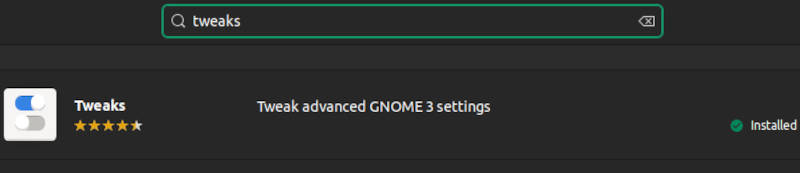
Tweaksfrom the software store or confirm that it is installed.
- Launch
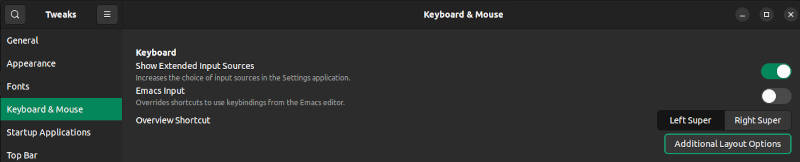
Tweaks. From theKeyboard & Mousesection, selectAdditional Layout Options.
- From the
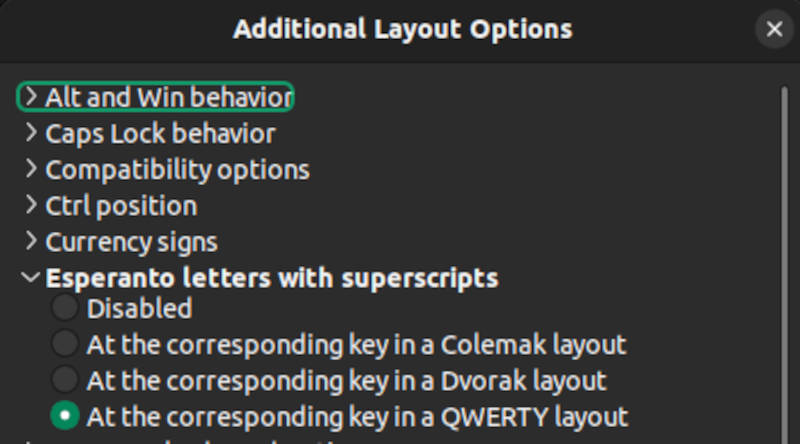
Esperanto letters with superscriptsselector, selectAt the corresponding key in a QWERTY layout.
- From the
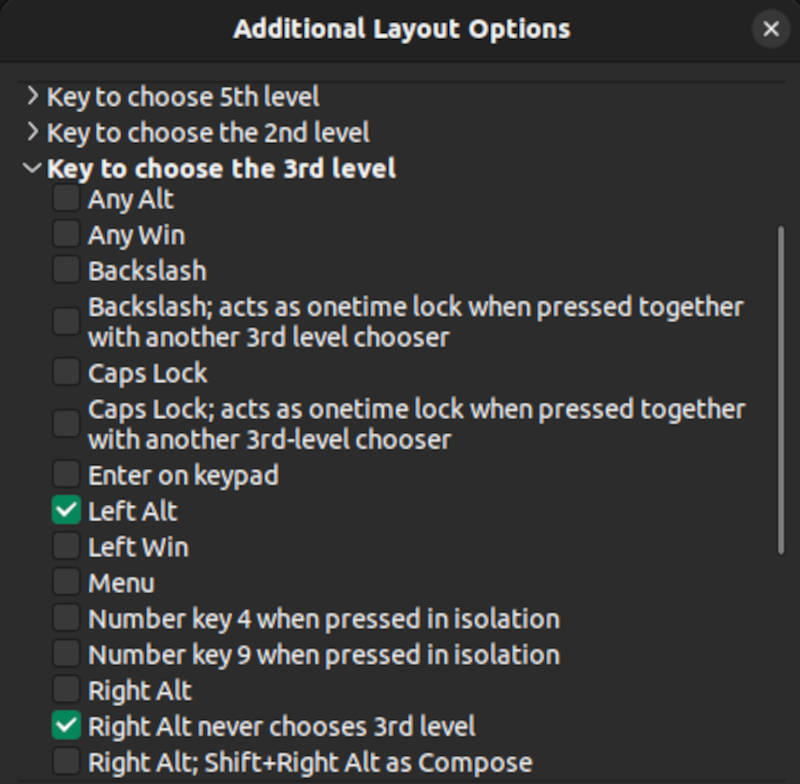
Key to choose the 3rd levelselector, select onlyLeft AltandRight Alt never chooses 3rd level.
To type an Esperanto letter that contains a diacritic (ĉ, ĝ, ĥ, ĵ, ŝ, or ŭ), press the Lt-Alt key along with the corresponding letter lacking a diacritic. The Rt-Alt key remains available for alternate functions.